
Mobile data gone wild
Howto get better internet
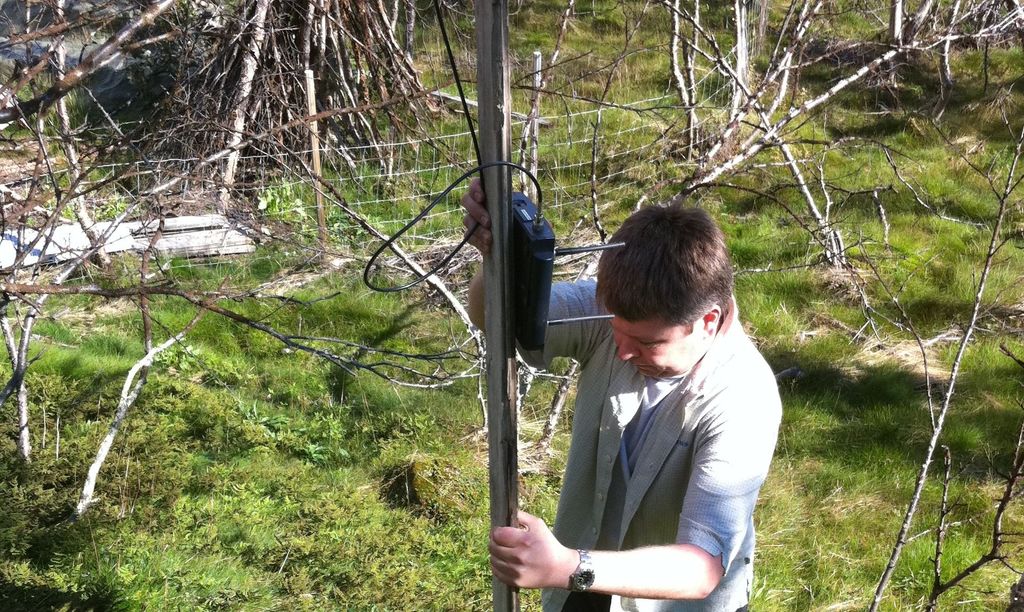
Better internet in the wilderness
Ok, so you want to boost your internet connection when you are on the edge of civilization. It’s not so hard if you know what to look for.
Mobile router
First of all you need a mobile router. You would think there is plenty of routers on the market, but that’s not the case. Most of the routers out there does not have external antenna connection which is crucial.
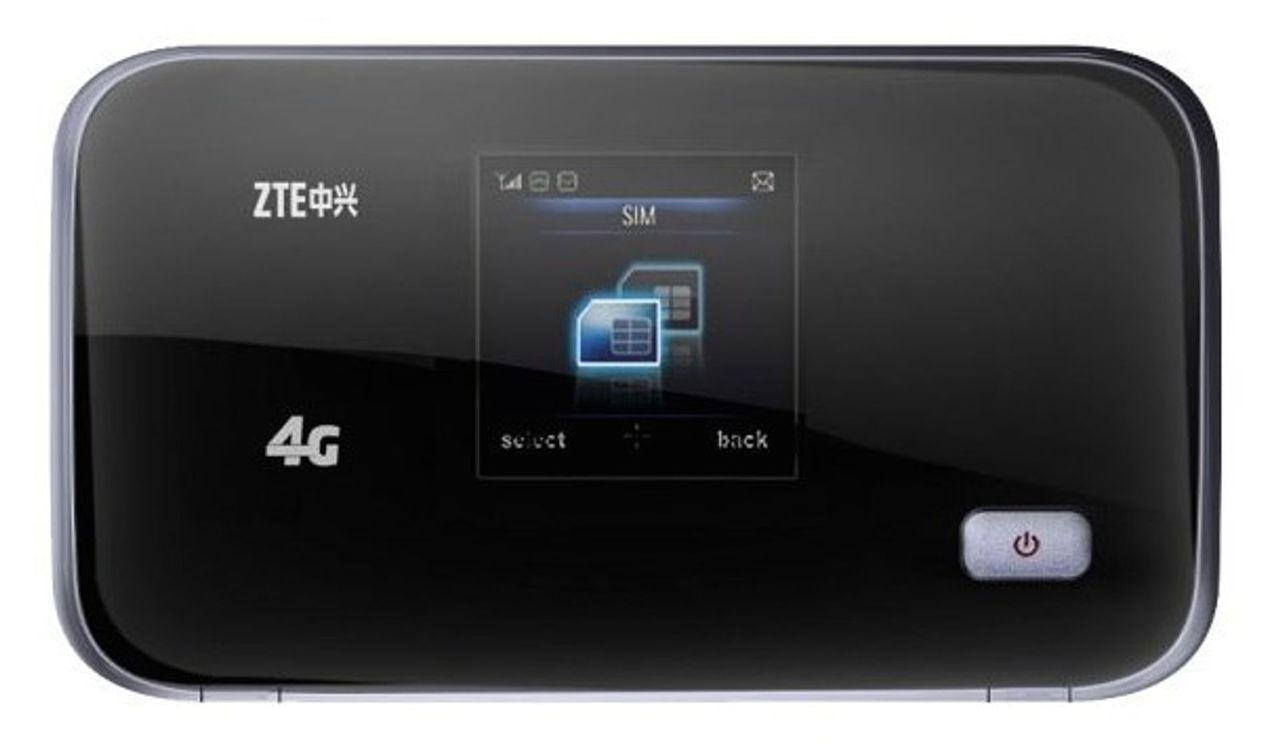 *ZTE MF93d 4G router*
I picked up the [ZTE MF93d 4G router](https://www.dustinhome.no/product/5010789664/mf93d-4g-router---unlocked) from dustin.no.
*ZTE MF93d 4G router*
I picked up the [ZTE MF93d 4G router](https://www.dustinhome.no/product/5010789664/mf93d-4g-router---unlocked) from dustin.no.
 *ZTE MF93d 4G router*
It has two TS9 external antenna connections.
*ZTE MF93d 4G router*
It has two TS9 external antenna connections.
Available networks
After picking up the mobile router it was time to do some research on the available network at the cabin. I found the cabin to be just outside the reach of Netcom 3G (HSDPA). Telenor had no alternative option at this location. Then I did some research on the frequencies at this location, and found the 3G (HSDPA) to use the 2100 Mhz band.
Best place to start looking for available networks are:
Some [quick reference mobile data standards](#mobile-data-standards) are listed below.
Antennas
When I had the frequencies it was time to order the antennas. Deal Extreme was a natural place to start the search. A [complete shopping list](#shopping-list) is found below.
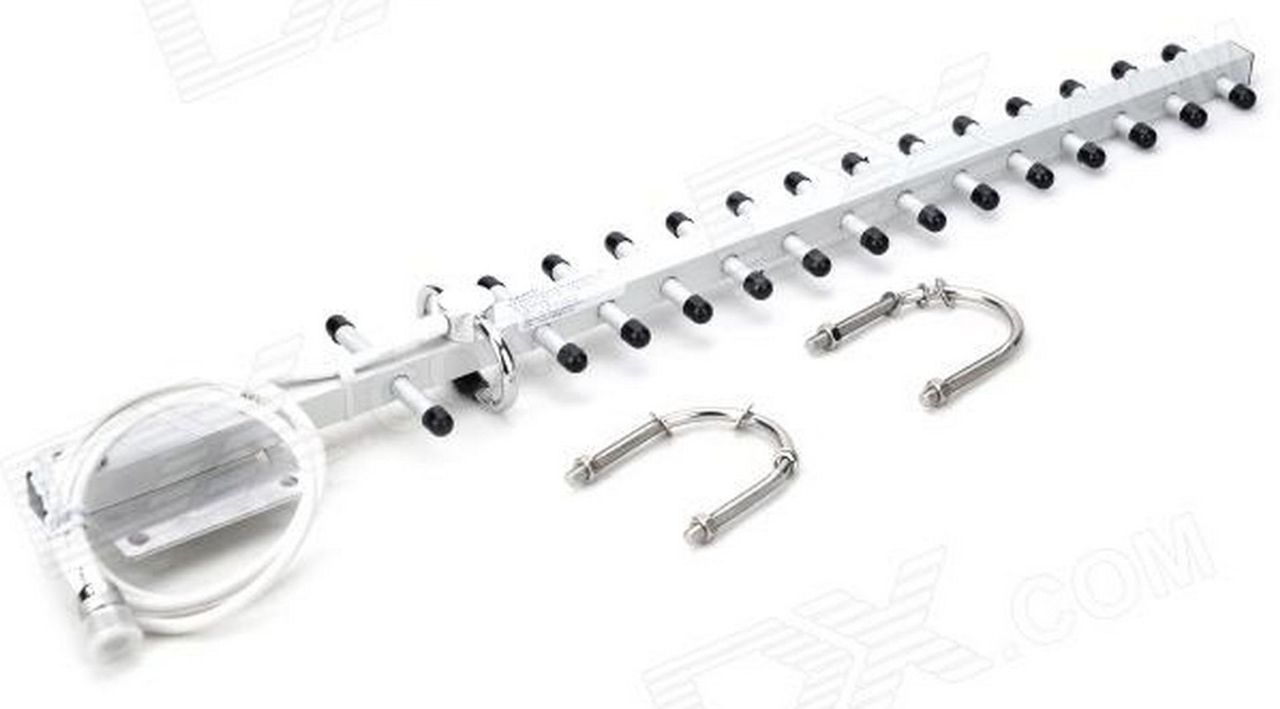 *EDUP EP-AY003 16dBi N Female 3G Directional Antenna*
First you need the antenna. A relativly large yagi antenna is great for improving your upload and download speeds. The connection fitted to the antenna is a N Female connector.
*EDUP EP-AY003 16dBi N Female 3G Directional Antenna*
First you need the antenna. A relativly large yagi antenna is great for improving your upload and download speeds. The connection fitted to the antenna is a N Female connector.
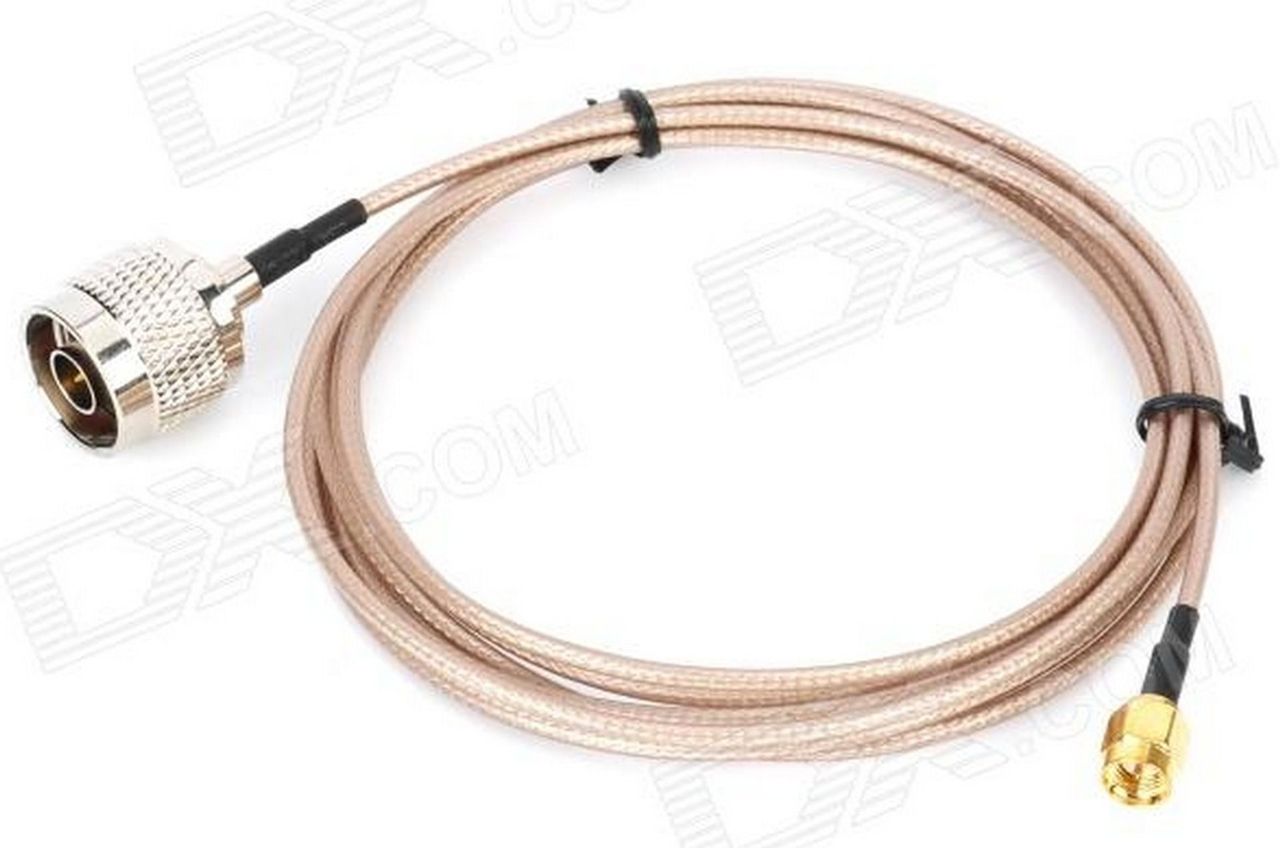 *N Male to SMA male*
Then you need an adapter to be able to connect the antenna's N Female connector to the extension cable's SMA connectors. Ideally there should be a better solution for this, but I haven't found any. Please drop me an email if you find a better solution.
*N Male to SMA male*
Then you need an adapter to be able to connect the antenna's N Female connector to the extension cable's SMA connectors. Ideally there should be a better solution for this, but I haven't found any. Please drop me an email if you find a better solution.
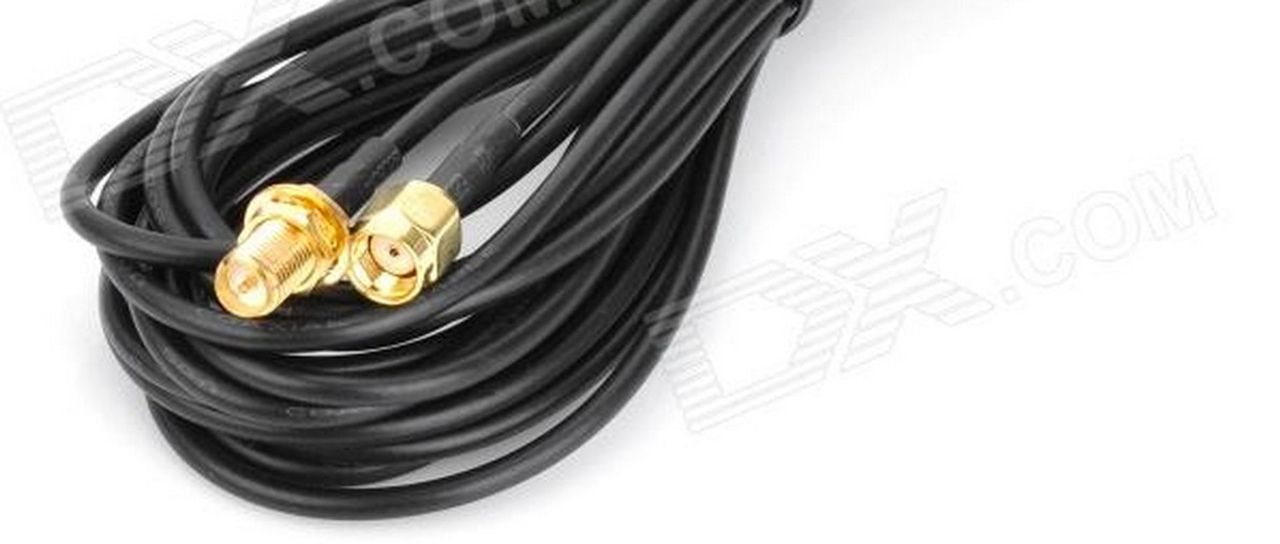 *RP-SMA Male to Female Adapter Cable*
The extension cabel is needed to be able to place the antenna on the roof or on the wall. Any how, you should always try to keep the extension cable as short as possible. As a rule of thumb, you loose 1 db on every meeter of cable. The extension cable's connectors are SMA, and does not fit into the modem.
*RP-SMA Male to Female Adapter Cable*
The extension cabel is needed to be able to place the antenna on the roof or on the wall. Any how, you should always try to keep the extension cable as short as possible. As a rule of thumb, you loose 1 db on every meeter of cable. The extension cable's connectors are SMA, and does not fit into the modem.
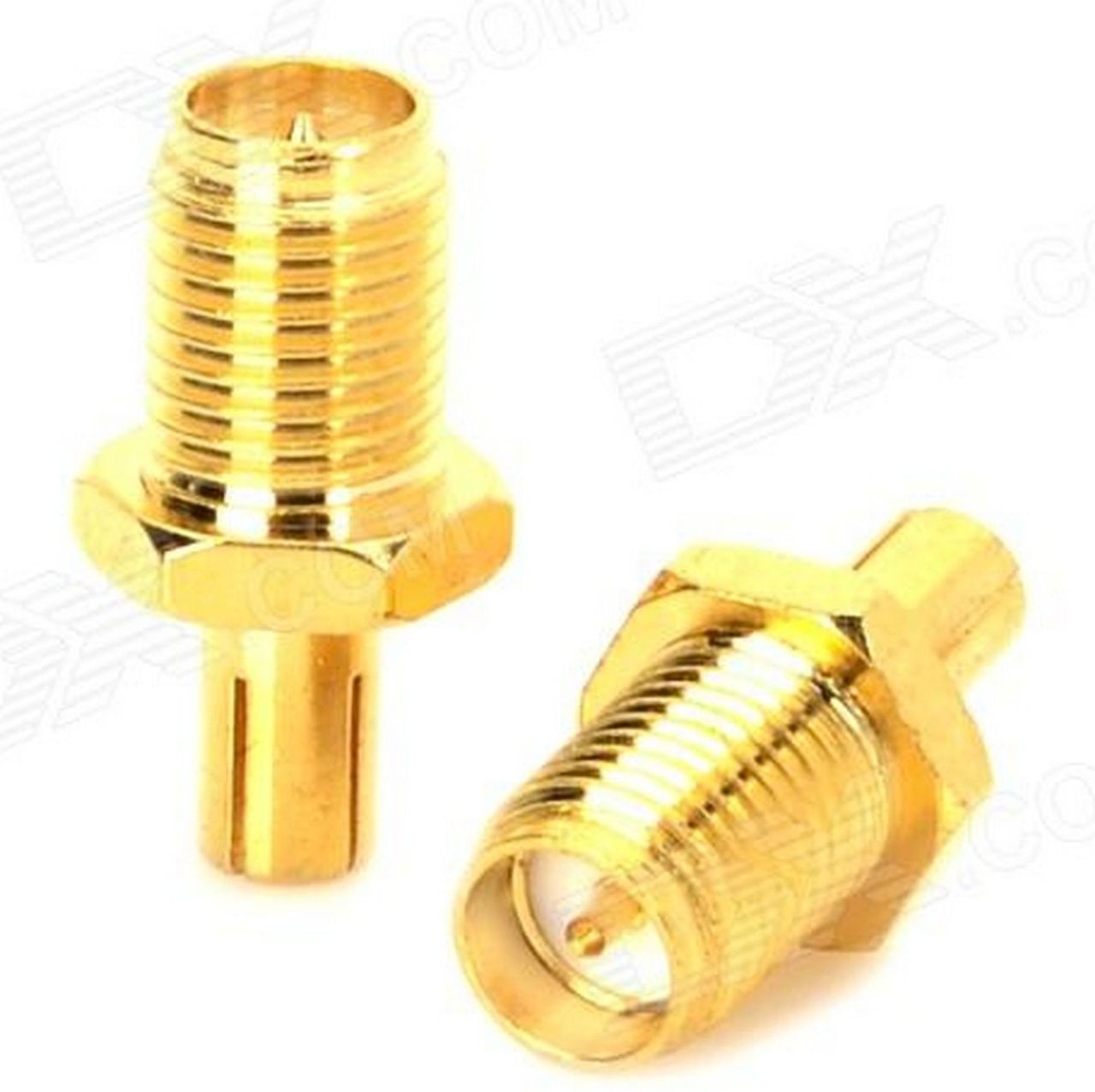 *RP-SMA to TS9 Adapters*
Finally to be able to connect the extension cabel to the modem you need a SMA to TS9 adapter.
*RP-SMA to TS9 Adapters*
Finally to be able to connect the extension cabel to the modem you need a SMA to TS9 adapter.
Adjustment
When you have mounted the antenna it’s time to adjust the direction and tilt. To start with you should try to aim it directly at the base station you located in your research. A map and a compass are great tools to achive the best result.
When you have done the base adjustments you should try to measure your signal db, ping times, download and upload speed. If you can’t see the base station from the antenna position it can be worth experimenting with the antenna direction. Sometimes reflection signals can be stronger than the direct signals.
Shopping list
- Dustin.no: ZTE MF93d 4G router
- The ZTE MF93d seems to be out of production. A replacement model is the ZTE MF910
- Dx.com: Yagi antenna
- Dx.com: N to SMA adapter
- Dx.com: SMA extention cable
- Dx.com: SMA to TS9 adapter
Mobile data standards
| Type | Teoretical Speed | Practical speed | Frequency |
|---|---|---|---|
| 2G GSM | 38.4 kbps | 1800 Mhz | |
| 2G GPRS | 170 kbps | <= 40kbps | “ |
| 2G Edgde | 236 kbps | “ | |
| 3G (UMTS) | 384 kbps | 2100 Mhz | |
| 3G (HSDPA) | 14 000 kbps | 4 000 kbps | “ |
| 4G (LTE) | 100 Mbps | 1800/2600 Mhz |